
Windows Specs for Airframe Ultra
Steam lists Windows-only requirements, a 1 GB install, DirectX 11, and a gamepad recommendation. The game is still coming soon.
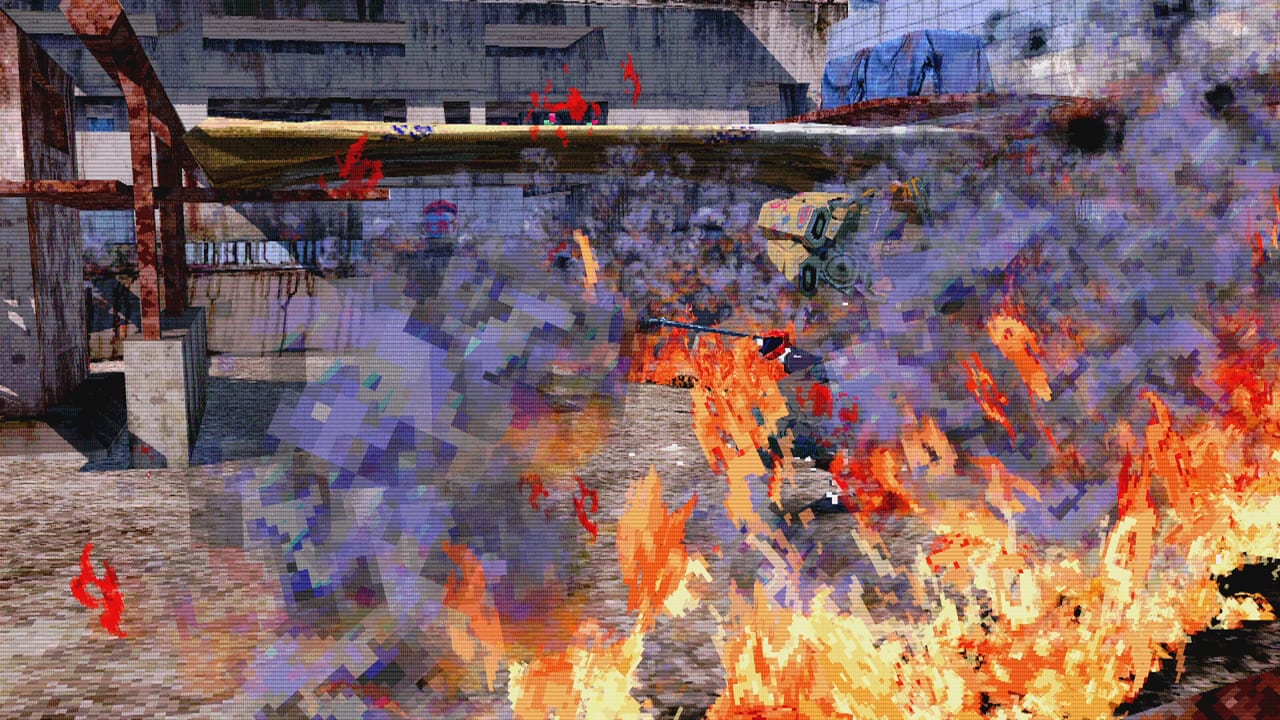
Airframe Ultra is coming soon on Steam as a Windows client. There is no macOS or Linux listing, and Steam Deck compatibility is still marked unknown. Videocult built the game in Unity. The install Steam quotes is tiny: 1 GB of disk on both the minimum and recommended rows. English is the Steam language for interface, audio, and subtitles.
Use this page as a pre-download check. How the demo behaves — tutorial versus full-track — is in Demo and Playtest and the demo guide. Specs below are copied from Steam.
Minimum requirements
| Item | Steam minimum |
|---|---|
| OS | Windows 10 (64-bit) |
| Processor | Intel Core i3-3220 / AMD FX-4300 |
| Memory | 6 GB RAM |
| Graphics | NVIDIA GeForce GTX 650 (1 GB) / AMD Radeon HD 7750 (1 GB) / Intel HD Graphics 630 |
| DirectX | Version 11 |
| Network | Broadband Internet connection |
| Storage | 1 GB available space |
| Notes | Gamepad highly recommended for optimal steering control |
That CPU pair is Ivy Bridge / Vishera-era. The GPU line is a 1 GB Kepler card, a 1 GB HD 7000, or Intel HD 630. If your laptop only has HD 620 or older Intel graphics, you are below the posted floor. DirectX 11 is required; this is not a DX12-only title on paper.
Broadband is listed even if you only care about split-screen. Online multiplayer is part of the game. A local session still benefits from Steam staying signed in so the demo can update.
Recommended requirements
| Item | Steam recommended |
|---|---|
| OS | Windows 10 / 11 (64-bit) |
| Processor | Intel Core i5-6400 / AMD Ryzen 3 1200 |
| Memory | 8 GB RAM |
| Graphics | NVIDIA GeForce GTX 1050 Ti (4 GB) / AMD Radeon RX 560 (4 GB) |
| DirectX | Version 11 |
| Network | Broadband Internet connection |
| Storage | 1 GB available space |
| Notes | Gamepad highly recommended for optimal steering control |
Recommended is Skylake i5 or first-wave Ryzen 3, 8 GB RAM, and a 4 GB GTX 1050 Ti or RX 560. That is still a modest 1080p box. The interesting constraint is not VRAM — it is frame time when six riders dump into an arena with explosives out. Windows 11 is on the recommended row only. Minimum stays Windows 10 64-bit.
Windows only, Unity, 1 GB disk
Three store facts people skip:
- Windows only. No Mac or native Linux row. Proton is not an official path.
- Unity. Expect a Unity splash and Unity-style config files. When something fails to start, check 64-bit OS, DX11 GPU, and drivers — not a missing 40 GB shader cache.
- 1 GB disk. Steam advertises about a gigabyte. Demo depots have been smaller. You will not need a second SSD. You will need a GPU that holds a busy night course.
Steam language is English only on the store table. Interface, full audio, and subtitles are checked for English. This wiki localizes guides; the client you download does not, at least not on the current listing.
Gamepad, keyboard, and why the note exists
Both spec tables end with the same note: a gamepad is highly recommended for steering. Analog throttle matches a hoverbike better than digital WASD. Keyboard is fully usable — the February 2026 open beta shipped rebindable keys — but the developers still want you on a pad. That matches controls.
Partial controller support on Steam means you should expect to touch a keyboard for menus or text even if you steer with a pad. It does not mean gamepads are unsupported. Bring a pad to split-screen nights; four people on one keyboard is a dare, not a plan. Online play uses the same input stack.
Demo, playtests, and broadband
The demo can be downloaded from the same Steam page as the full game whenever the current build is enabled. Minimum specs apply to that demo. If the slot is a tutorial-only package, you can sanity-check your GPU on one circuit. If the slot is a playtest with Oceandrive through Estate, you will spend more time at speed and in crowds — that is the harder case, and it is the case Beta History describes for February 2026.
Broadband is not optional for public tests. You can practice split-screen on a living-room PC, but matchmaking, demo updates, and bug-tracker uploads all assume a connection. Family Sharing does not apply while the game is unreleased; Steam excludes the title from sharing until it ships.
If you crash on boot, verify the install, update GPU drivers, and confirm you are on 64-bit Windows 10 or 11. Then file the log on the official bug tracker linked from Links. Do not assume a GTX 650 will look like the trailer; the minimum row is “it runs,” not “it looks like Mix Fanfest capture.”
Until 1.0, treat Steam as the source, keep 6 GB RAM as the floor, keep a pad in reach, and read Getting Started after the client opens.
Frequently Asked Questions
Quick answers for racers still learning Megacity West.
What are the Airframe Ultra minimum specs?
Windows 10 64-bit, Intel i3-3220 or AMD FX-4300, 6 GB RAM, GTX 650 1 GB / HD 7750 1 GB / Intel HD 630, DirectX 11, broadband, and 1 GB of disk. A gamepad is highly recommended.
What are the recommended specs?
Windows 10 or 11 64-bit, Intel i5-6400 or Ryzen 3 1200, 8 GB RAM, GTX 1050 Ti 4 GB or RX 560 4 GB, DirectX 11, broadband, and 1 GB of disk. Same gamepad note as minimum.
Is Airframe Ultra on consoles, Mac, or Steam Deck?
The Steam listing is Windows only. Steam Deck compatibility is unknown. There is no Mac or Linux row. The game is still coming soon, so platforms can change, but this page tracks the current store table.
Do I need a gamepad?
It is not a hard requirement, but Steam and both spec tables recommend one for steering. Keyboard works, and the open beta added rebindable keys. Analog throttle still feels better on a pad.
How big is the download?
Steam lists 1 GB of available space for minimum and recommended. Demo depots have been smaller than that. You will spend more time checking GPU drivers than freeing a huge folder.
Do these specs apply to the demo?
Yes. The demo is a Steam download of the same Unity Windows client. Use the demo guide and Demo and Playtest pages to see which build the Demo button currently installs.